
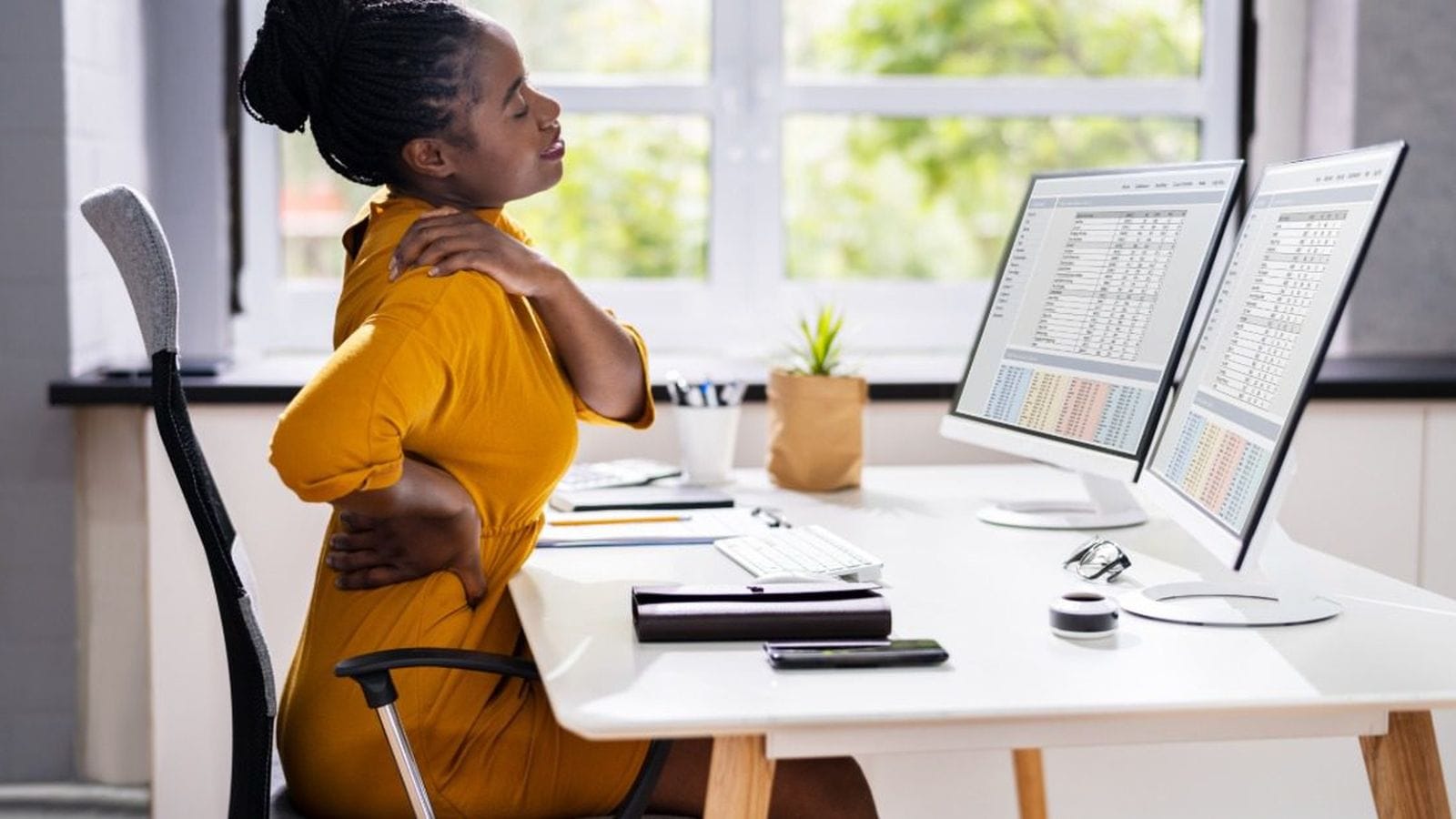
Whether you work at a traditional desk, in a private office, or at a collaborative workstation, spending long hours in one position can take a toll on your body. Learning how to prevent lower back and neck strain at work starts with creating a workspace that supports healthy posture and encourages regular movement.
Small adjustments often make a noticeable difference in daily comfort and long-term wellness. At Capital Choice Office Furniture in Columbus, businesses can find ergonomic furniture solutions that help employees stay comfortable while remaining productive throughout the workday.
Why Workplace Discomfort Happens
Lower back and neck strain rarely appear overnight. Instead, discomfort builds gradually from repeated habits that place unnecessary stress on muscles and joints. Sitting with rounded shoulders, leaning toward a monitor, or reaching awkwardly for a keyboard can create tension that lingers long after the workday ends.
Office furniture also plays a major role in physical comfort. A chair without proper lumbar support or a desk set at the wrong height forces employees into positions that increase strain. Even workers with good posture struggle when their furniture does not fit their body.
Daily routines contribute as well. Remaining seated for several hours without standing or stretching reduces circulation and increases stiffness. Over time, these patterns may affect focus, comfort, and overall job satisfaction.
Start With an Ergonomic Chair
An ergonomic office chair provides one of the strongest defenses against lower back and neck discomfort. Unlike standard seating, ergonomic chairs adjust to support different body types and work styles. Features such as lumbar support, seat height adjustment, and reclining tension help employees maintain healthier posture throughout the day.
The seat height should allow both feet to rest flat on the floor while keeping knees close to a ninety-degree angle. This position helps reduce pressure on the lower back and promotes better circulation.
Proper back support matters just as much. The chair should follow the natural curve of the spine instead of encouraging employees to slouch forward. When the lower back remains supported, the shoulders relax naturally, helping reduce tension in the neck.
Businesses shopping for office seating can visit the Capital Choice Office Furniture showroom in Columbus to compare ergonomic chair options in person. Testing different models makes it easier to select seating that fits individual comfort preferences and workplace needs.
Position Your Monitor Correctly
Many people unknowingly strain their neck because their monitor sits too high, too low, or too far away. Even slight adjustments in screen placement can improve comfort throughout the workday.
The top of the monitor should sit near eye level so employees can look straight ahead without constantly bending their neck. Positioning the screen about an arm's length away also helps reduce unnecessary leaning.
Workers using multiple monitors should place the primary screen directly in front of them. If both monitors receive equal use, centering them together helps minimize repeated twisting throughout the day.
Laptop users often experience additional discomfort because keyboards and screens remain attached. A laptop stand paired with an external keyboard and mouse creates a much healthier workstation.
Keep Your Keyboard and Mouse Within Easy Reach
The position of a keyboard and mouse directly affects shoulder, arm, and neck comfort. Reaching forward throughout the day places constant tension on the upper body.
Employees should keep both devices close enough that elbows stay comfortably near the body. Wrists should remain straight while typing instead of bending upward or downward.
Armrests can provide support when adjusted correctly, although they should never force shoulders upward. The goal is to create a relaxed position that allows natural movement without unnecessary effort.
Make Movement Part of the Workday
Even the best office chair cannot eliminate discomfort if employees remain seated for hours without changing positions. The human body performs better with regular movement.
Standing briefly between tasks gives muscles an opportunity to reset. Walking to a coworker's desk instead of sending every message electronically also adds healthy activity throughout the day.
Gentle stretching during breaks helps relieve tight muscles before discomfort becomes more noticeable. Neck rolls, shoulder stretches, and seated back extensions require little space while encouraging better flexibility.
Many organizations now encourage walking meetings whenever practical. These conversations keep projects moving while allowing employees to step away from their desks and improve circulation.
Adjust Your Desk for Better Posture
Desk height influences nearly every part of workplace ergonomics. When a work surface sits too high or too low, employees compensate by changing their posture in ways that create unnecessary strain.
A properly positioned desk allows forearms to rest comfortably while shoulders remain relaxed. Employees should avoid raising their shoulders while typing or leaning forward to reach the work surface.
Height-adjustable desks provide added flexibility because workers can alternate between sitting and standing throughout the day. Changing positions periodically helps reduce fatigue while supporting healthier movement patterns.
Organizations planning office updates often benefit from working with experienced furniture specialists. Capital Choice Office Furniture helps businesses throughout the Columbus area select desks and ergonomic solutions that support comfort while complementing the overall office layout.
Reduce Everyday Habits That Increase Strain
Healthy posture depends on consistent habits instead of occasional corrections. Employees often begin the day sitting correctly before gradually leaning forward as they become absorbed in their work. Paying attention to posture several times each day helps prevent small changes from becoming lasting sources of discomfort.
Phone use also affects neck health. Holding a phone between the shoulder and ear places unnecessary stress on the neck muscles. A headset or speakerphone keeps the head in a neutral position while allowing employees to continue working comfortably.
Lighting can influence posture as well. Poor lighting encourages workers to lean closer to documents or computer screens, increasing pressure on the neck and upper back. A well-lit workstation supports better visibility without forcing awkward positions.
Create a Comfortable Workspace That Supports Employees
An ergonomic office benefits both employees and employers. Comfortable team members often stay focused longer because physical discomfort creates fewer distractions during the day. Investing in quality furniture also demonstrates that employee well-being remains a workplace priority.
Every office has different needs, so choosing furniture should involve careful planning rather than one-size-fits-all solutions. Workspaces that accommodate different body types and job responsibilities help create a healthier environment for everyone. Visiting a showroom allows decision-makers to compare furniture firsthand and visualize solutions before making an investment.
Support Long-Term Comfort With the Right Furniture
Knowing how to prevent lower back and neck strain at work begins with better habits, thoughtful workstation adjustments, and furniture designed to support the body throughout the day. When these elements work together, employees enjoy greater comfort while maintaining productivity from morning through the afternoon.
Businesses looking to improve workplace ergonomics can visit the Capital Choice Office Furniture showroom in Columbus to see practical solutions in person. With a wide selection of new and pre-owned furniture, including ergonomic office chairs for every need and budget, we help organizations create healthier workspaces that support employee comfort. Contact us today to learn more.
Have a question this did not answer?
Call 614.332.1828 and ask a person. We have been doing this for twenty years and we will give you a straight answer.